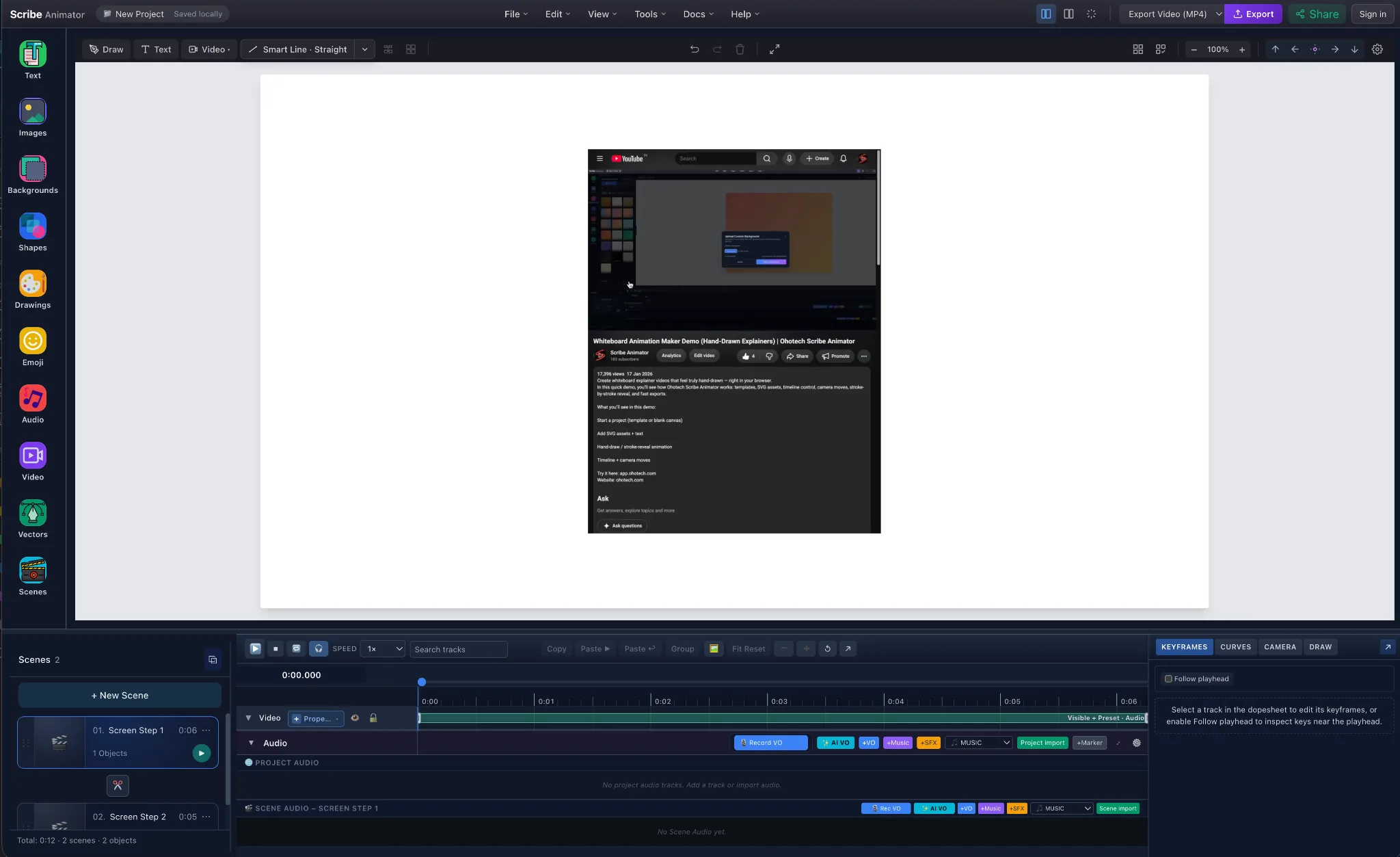
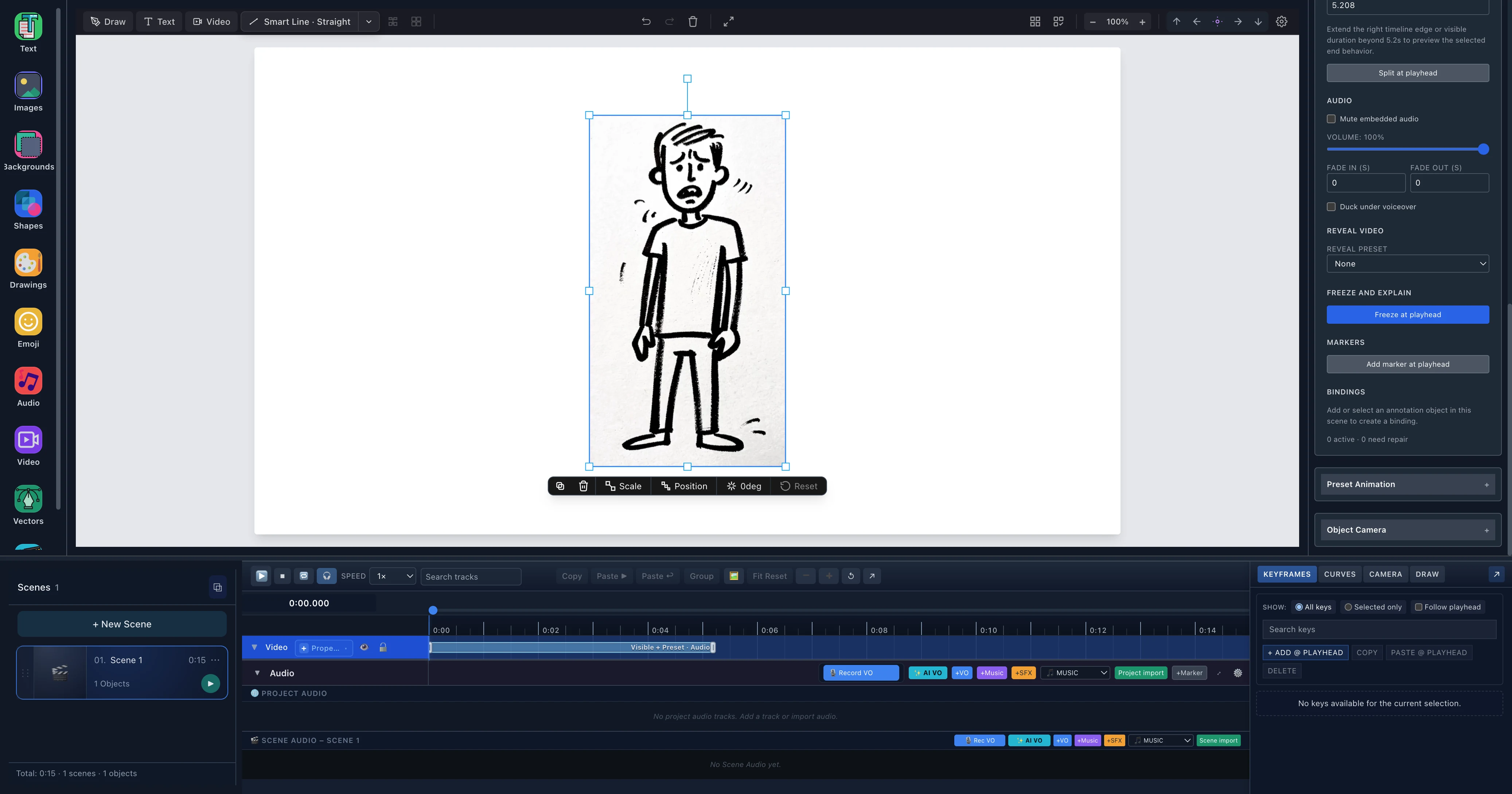
Feature illustration · not an editor screenshot Motion
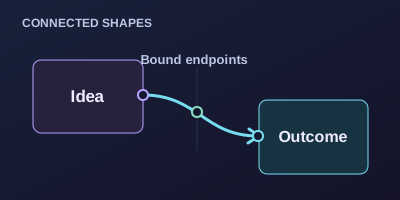
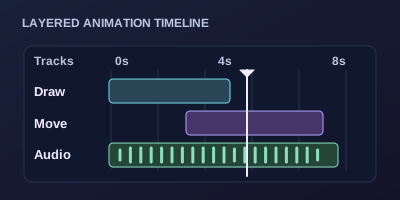
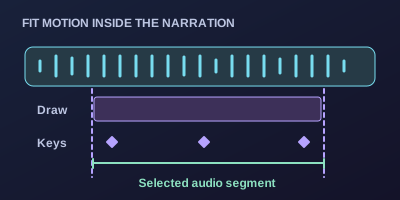
Timeline & camera Coordinate drawings, object motion, keyframes, curves and camera framing so each part of your explanation lands in order.
Details & guides for Timeline & camera + Shape object motion with keyframes, curves and focused controls. Import or reuse music, SFX and voiceover; adjust volume, mute and solo. Time camera pans, zooms and scene framing alongside drawings and narration. Feature illustration · not an editor screenshot Narration
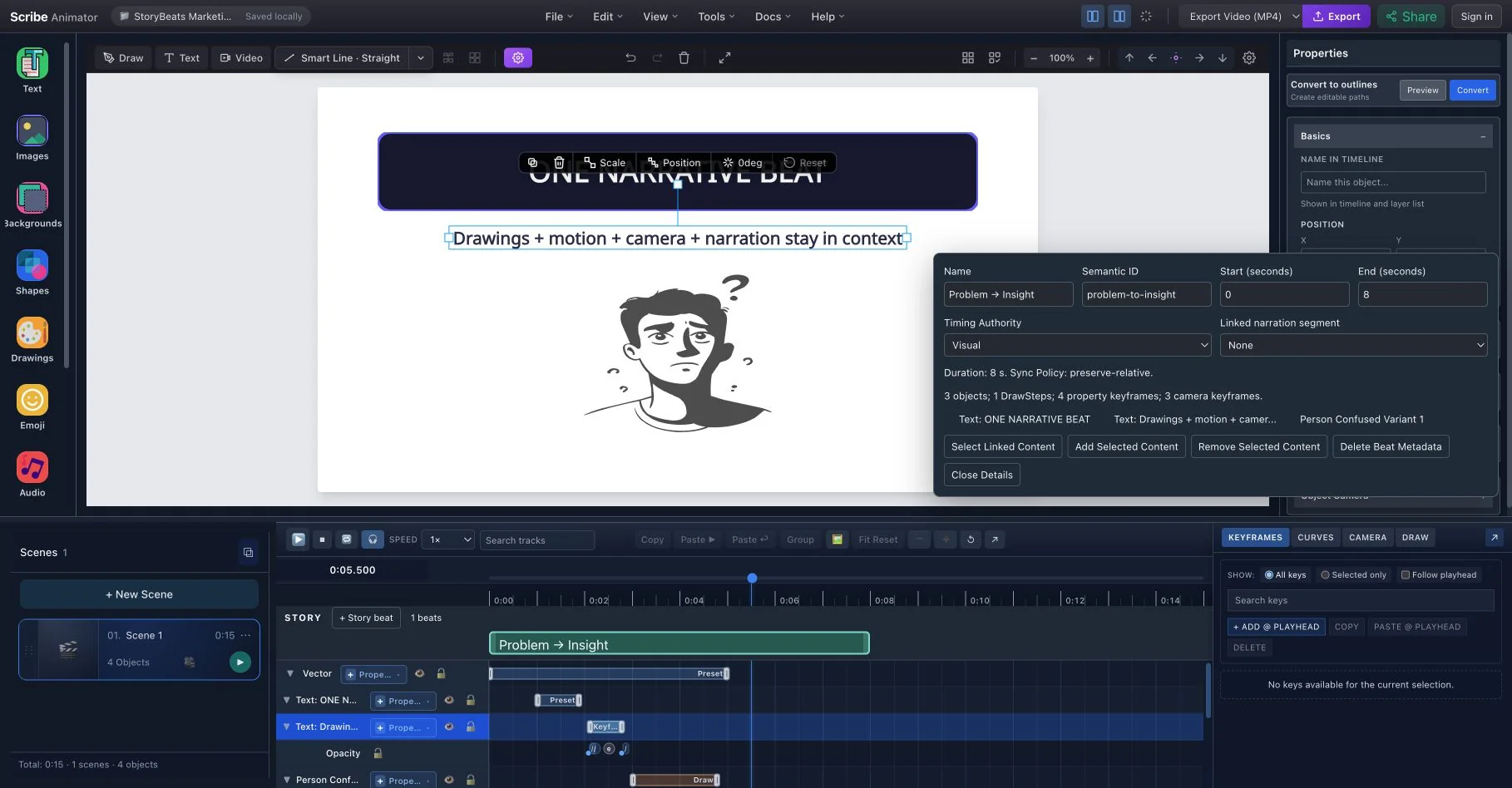
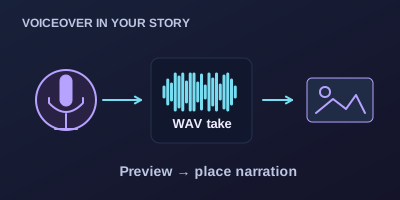
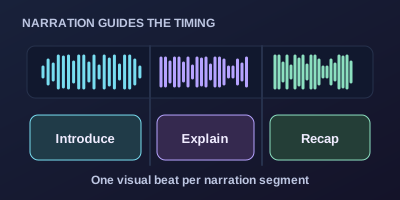
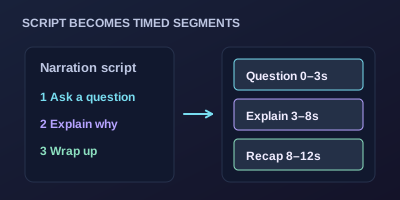
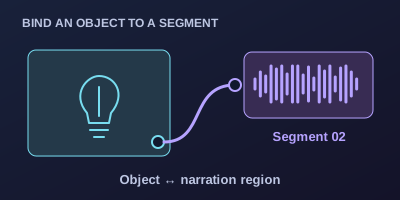
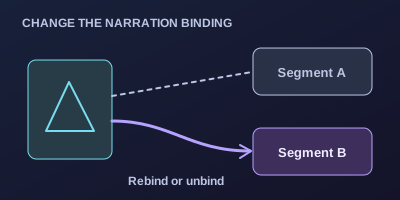
Narration segment sync Turn voiceover chunks into script segments and bind the matching objects, drawing steps and motion to each explanation.
Details & guides for Narration segment sync + Use script segments to keep visual timing aligned with narration. See the narration workflow below for binding, mixed timing and rebind controls. Feature illustration · not an editor screenshot Mobile
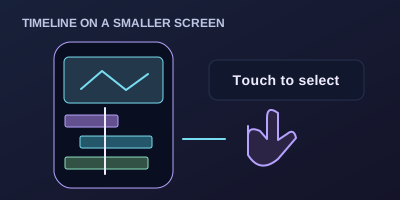
Mobile timeline Scrub playback and adjust object timing from a touch-friendly timeline, with shortcuts for Draw, Animate and Camera.
Details & guides for Mobile timeline + Collapsed, peek, and expanded states Object timing ranges Draw / Animate / Camera shortcuts Feature illustration · not an editor screenshot Scenes
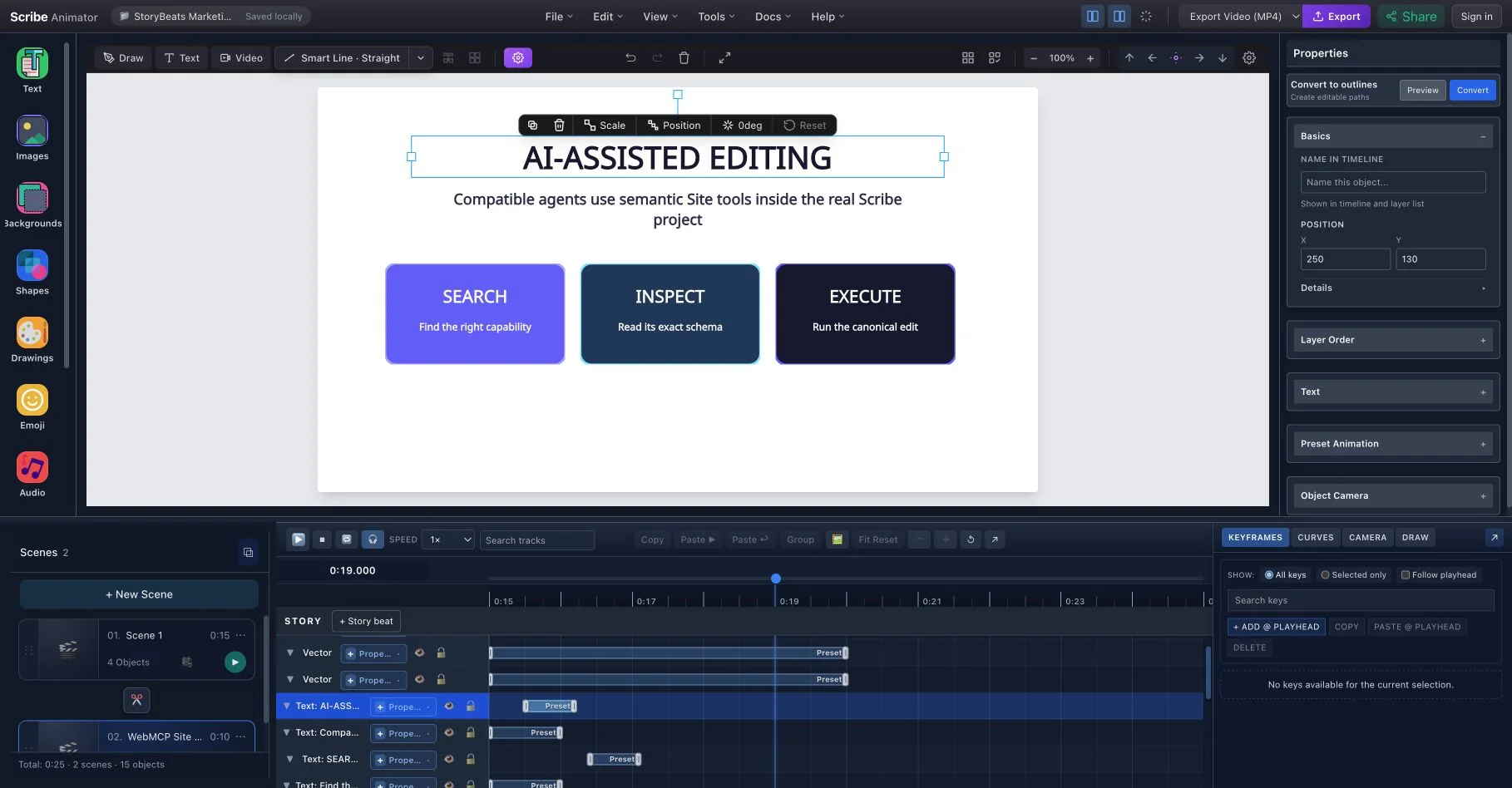
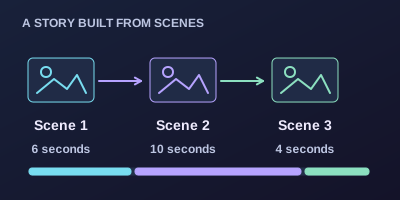
Scene-aware timing Organize timing inside each scene to keep longer, multi-scene videos predictable as you add or rearrange ideas.
Details & guides for Scene-aware timing + Better long-form structure Safer duration edits Cleaner scene-based storytelling Feature illustration · not an editor screenshot Export
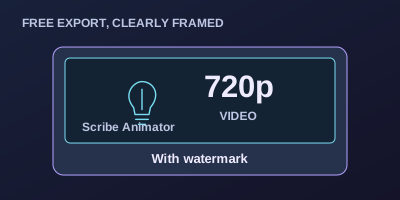
Free video exports Start with the core creation tools and unlimited 720p video exports with a watermark, without a Pro account.
Details & guides for Free video exports + No Pro account required for core creation Pro keeps exports unlimited and adds 1080p output, no watermark, and 5 GB cloud storage No signup needed to start Feature illustration · not an editor screenshot Drawing
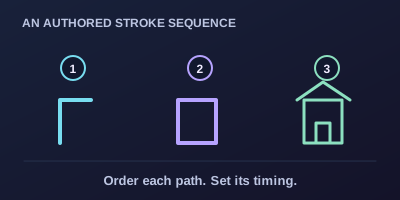
Stroke-by-stroke drawing Reveal vector lines in an authored sequence, with control over the order and timing of each drawing step.
Details & guides for Stroke-by-stroke drawing + Control stroke sequencing and draw-step timing. Feature illustration · not an editor screenshot Audio
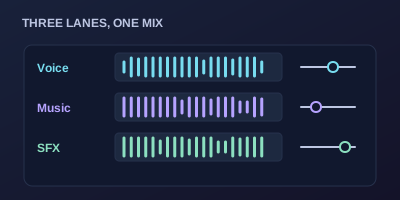
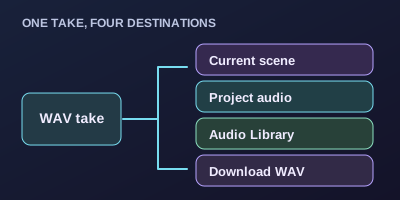
Import & mix audio Bring your own music, sound effects or narration into scene and project audio lanes, then adjust the mix.
Details & guides for Import & mix audio + Scene and project audio lanes with waveform display. Music, SFX and voiceover roles; volume, mute and solo controls. Drag/drop audio import and library reuse. Feature illustration · not an editor screenshot Artwork
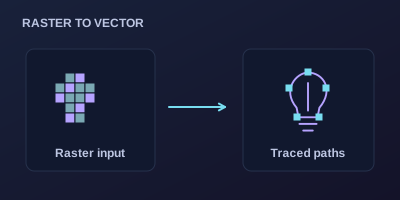
Trace raster artwork Bring PNG, JPG and other raster images into the editor and turn the artwork into draw-ready scene content.
Details & guides for Trace raster artwork + Trace PNG, JPG and other raster artwork into draw-ready scenes. Feature illustration · not an editor screenshot Drawing
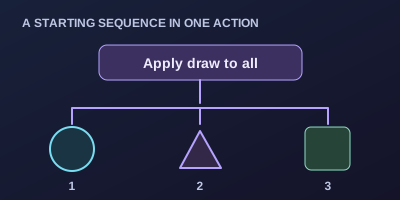
One-click auto draw Apply drawing to every object with a single action when you want a starting point for your reveal sequence.
Details & guides for One-click auto draw + Apply drawing across objects, then adjust the timing for your own scene. Feature illustration · not an editor screenshot Backgrounds
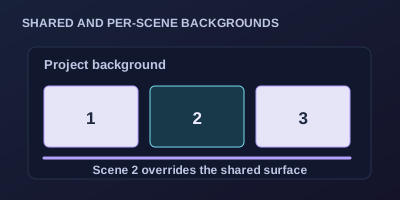
Scene backgrounds Choose a shared background for your project or give individual scenes their own background as the story changes.
Details & guides for Scene backgrounds + Set shared multi-scene backgrounds or override individual scenes. Feature illustration · not an editor screenshot Surfaces
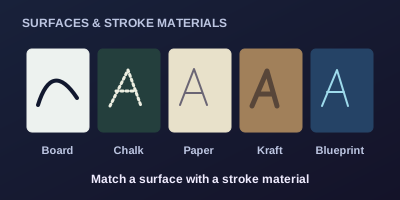
Boards & stroke styles Choose whiteboard, chalkboard, paper, kraft or blueprint surfaces, then match them with physical-looking stroke materials.
Details & guides for Boards & stroke styles + Whiteboard, chalkboard, paper, kraft and blueprint surfaces Solid, marker, chalk, pencil, crayon, ink and highlighter strokes Feature illustration · not an editor screenshot Tools
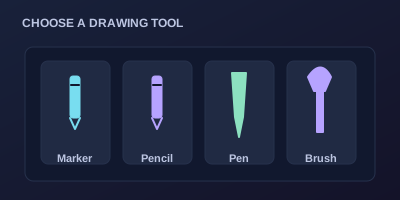
Hand & tool library Choose a hand and drawing tool for your scene, then adjust the selection to fit your own authoring workflow.
Details & guides for Hand & tool library + Hand and tool selectors are part of the authoring workflow. Feature illustration · not an editor screenshot Languages
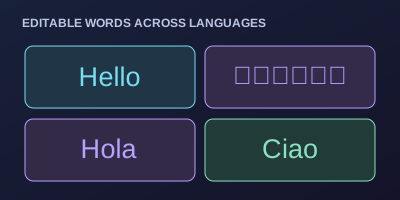
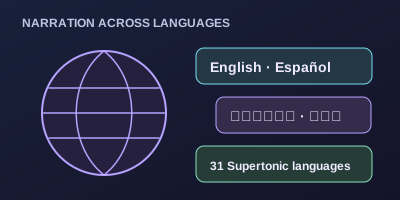
Multilingual handwriting Keep text editable and animate handwriting in English, Spanish, Italian, Hindi and other supported languages in your scene.
Details & guides for Multilingual handwriting + Keep text editable as part of the scene Feature illustration · not an editor screenshot Overrides
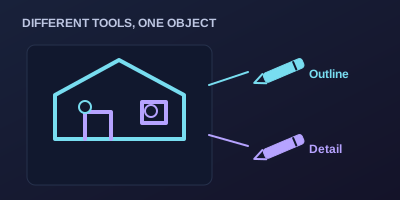
Per-object hand overrides Switch hands and tools within an object or across scenes, with overrides for the parts that need a different treatment.
Details & guides for Per-object hand overrides + Switch hands and tools within the same object Use per-object overrides across scenes Feature illustration · not an editor screenshot Motion
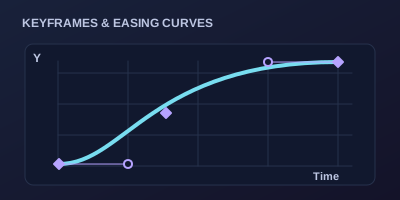
Keyframes & curves Control object motion with authored keyframes, a curve editor and focused keyframe controls as your scene takes shape.
Details & guides for Keyframes & curves + Object motion, authored keyframes, curve editor and focused keyframe controls. Feature illustration · not an editor screenshot Framing
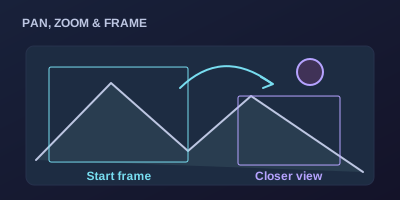
Camera moves Guide attention with pans, zooms and scene camera moves alongside your drawings, animation and narration.
Details & guides for Camera moves + Camera framing for emphasis Scene-level moves and timing Works alongside draw reveal and narration Feature illustration · not an editor screenshot Workspace
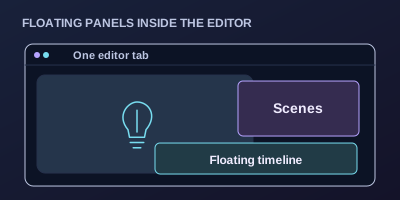
In-page floating panels Float and reposition authoring panels inside the editor tab, keeping the timeline and scenes close to your canvas.
Details & guides for In-page floating panels + Dock or float the scene manager within the editor tab Arrange floating panels over the canvas; these stay inside the same browser tab Feature illustration · not an editor screenshot Start
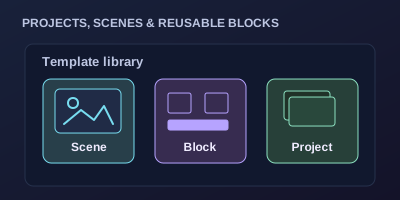
Ready-made templates Choose a project, scene or reusable block template, replace the content and keep editing after it joins your project.
Details & guides for Ready-made templates + Project, scene and reusable block templates Keep editing after you add a template Feature illustration · not an editor screenshot Projects
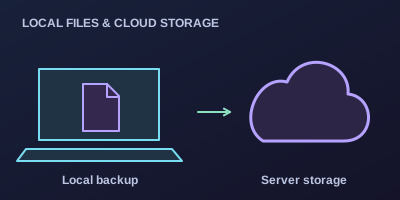
Local & server storage Keep local project backups or use available server storage to continue editing your work across devices.
Details & guides for Local & server storage + Local project export Server project storage for cross-device work Scribe Animator project / editor view Explore
Example projects Watch a finished animation, open its editable project and inspect how the scenes were built across different visual styles.
Details & guides for Example projects + Browse example projects with Watch/Open actions where a finished video is available. Opening an example gives you an editable project to inspect. Feature illustration · not an editor screenshot Creative library
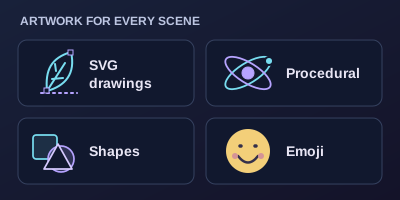
Drawings, shapes & emoji Browse 10,152 SVG drawings, 2,000 procedural entries, 7,334 shapes and 1,442 base emoji in the editor’s public libraries.
Details & guides for Drawings, shapes & emoji + Procedural entries include 948 static and 1,052 animated native drawings. Drawing and shape variants count separately. Emoji count uses Twemoji base entries; skin-tone variants and alternate Noto artwork are not added. Public libraries are included without Pro; export and cloud-storage limits depend on your plan.